Quick answer
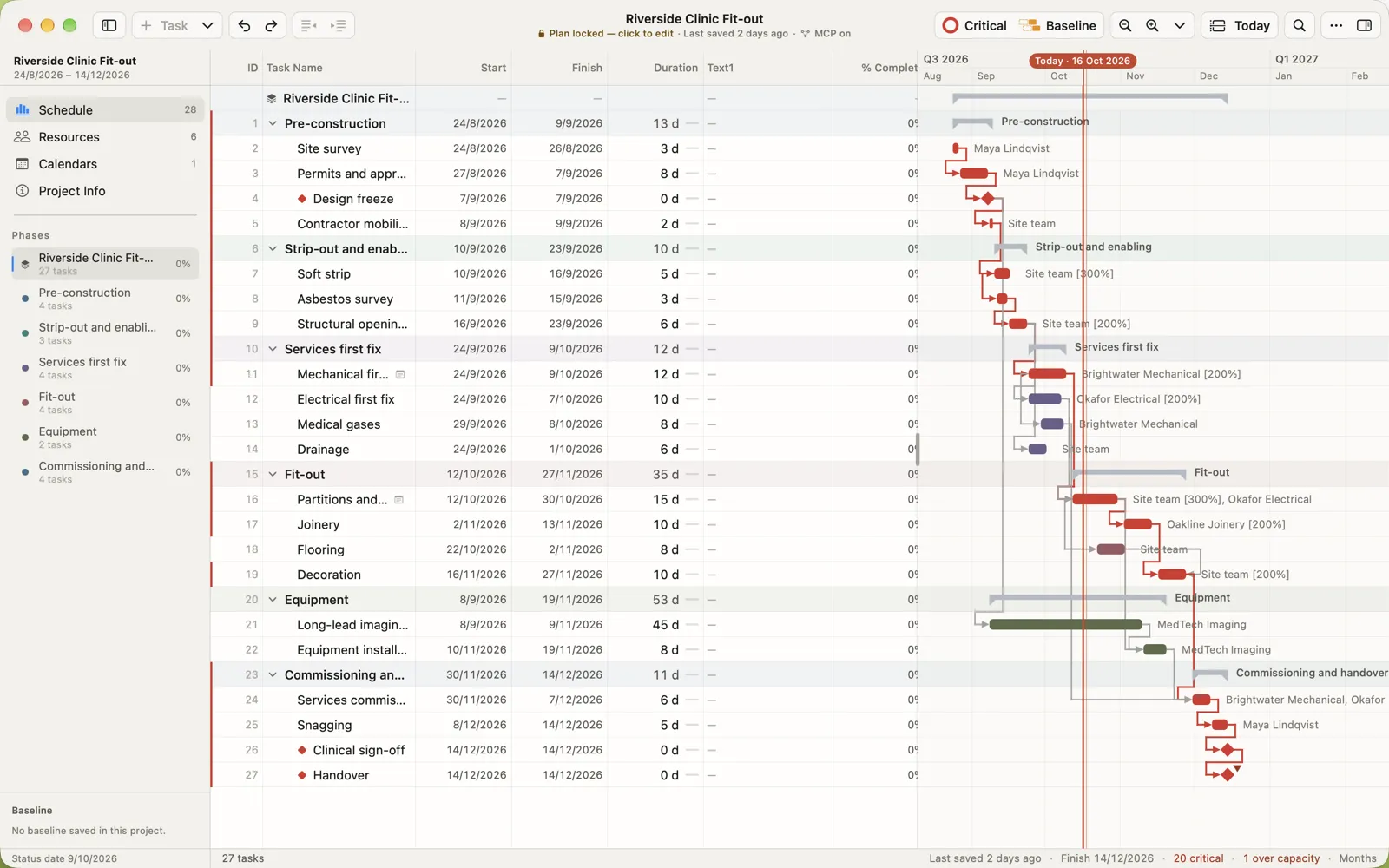
Microsoft Project desktop lets one person edit an .mpp at a time. In MPP Studio, share the plan to MPP Studio Cloud and invite people as owners, editors or viewers. Each change appears for everyone as it is made, you see who else is in the plan, and work done offline merges when you reconnect. Shared plans are end-to-end encrypted, and you can download an .mpp for Microsoft Project at any time.
MPP Studio is coming to Mac and iPad. Get told when it launches
What everyone sees
- Every change, as it’s made. Edits travel row by row, and each device recalculates the schedule, so dates, links and the critical path agree everywhere.
- Who’s in the plan. The people on the plan appear in the window’s title bar, and you can see which task each of them has selected.
- One lock for everyone. When the plan is locked as the baseline, it’s locked on every device. Progress can still be recorded.
- The same app everywhere. The plan opens in MPP Studio on Mac and iPad, and in a browser at app.mppstudio.com, which runs the same plan engine compiled to WebAssembly.
Owners, editors and viewers
| Role | Can |
|---|---|
| Owner | Everything an editor can, plus invite people, change roles, remove people and delete the plan from the cloud. A plan always keeps at least one owner. |
| Editor | Change the schedule, resources and calendars, and record progress. |
| Viewer | Open the plan and follow every change, without editing. |
Roles are set plan by plan, so a subcontractor can edit one programme and only view another.
Offline, and two people on one task
On site with no signal, keep working. Your changes wait on the device and are sent when you’re back online. Changes are merged field by field: if you update % complete while a colleague changes the same task’s duration, both are kept. If two people change the same field, the later change wins, and both are in the history. If two people add a task in the same place, task numbers are renumbered so neither is lost.
History, with restore
History lists every change: who made it, what changed, and the values before and after. Pick an earlier version and choose Restore this version to go back.
Still an .mpp when you need one
A shared plan is still a Microsoft Project schedule. Download a copy for Microsoft Project at any time, to send to a client or archive with the contract. Plans you keep in Files, iCloud Drive or OneDrive keep working as before, with no account.
Private by design
Everything in a shared plan, from task names to the people’s names in the history and who has which task selected, is encrypted on your device before it leaves it. MPP Studio Cloud stores data it can’t read. How the encryption works.
Questions people ask
Can several people edit a Microsoft Project plan at the same time?
Microsoft Project desktop can’t: one person has the .mpp open for editing at a time. In MPP Studio, a plan shared to MPP Studio Cloud can be edited by everyone on it at once, on Mac, iPad and the web, and each change appears for the others as it is made.
Do the people I invite need MPP Studio?
They need an MPP Studio account, which they create from the invitation. They can then open the plan in MPP Studio on a Mac or iPad, or in a browser.
What happens if two people change the same task?
Changes are merged field by field. If two people change different fields of a task, both changes are kept. If they change the same field, the later change wins, and the history shows both.
Can I still get an .mpp file out?
Yes. Download a copy for Microsoft Project at any time.
Can MPP Studio see our shared plans?
No. Shared plans are end-to-end encrypted on your devices. Our servers store data they cannot read.
Microsoft and Microsoft Project are trademarks of Microsoft Corporation. MPP Studio is not affiliated with Microsoft.