MPP Studio vs Parallels + Microsoft Project
Running Windows in Parallels is the classic way to use Microsoft Project on a Mac. Here is when it’s worth it, and when a native app does the job better.
Updated 17 October 2026
Quick answer
Parallels gives you the real Microsoft Project on a Mac, but needs Parallels, Windows and Project licences and doesn’t help on iPad. If you mainly open, edit and track .mpp schedules, a native app like MPP Studio does that without Windows.
The short answer
Choose Parallels + Microsoft Project if you rely on enterprise Project features, macros or Project Server.
Choose MPP Studio if you need to open, edit and track .mpp schedules on a Mac or iPad without running Windows.
Side by side
| MPP STUDIO | PARALLELS + MICROSOFT PROJECT | |
|---|---|---|
| What you install | One app from the App Store | Parallels Desktop, Windows 11 and Microsoft Project |
| Licences | MPP Studio | Parallels subscription, Windows licence, Project licence (desktop or subscription) |
| iPad | Yes | No |
| Project features | Scheduling, tracking, resources, baselines, custom fields | Everything, including Project Server and VBA macros |
| Battery and memory | Light, native | A full Windows virtual machine running alongside macOS |
| Works with .mpp | Opens, edits and saves .mpp | Native |
When Parallels is the right answer
If you need features only Microsoft Project has: Project Server, VBA macros, master projects with resource pools, or custom reports. Then the real thing is worth the cost and the overhead.
When it’s overkill
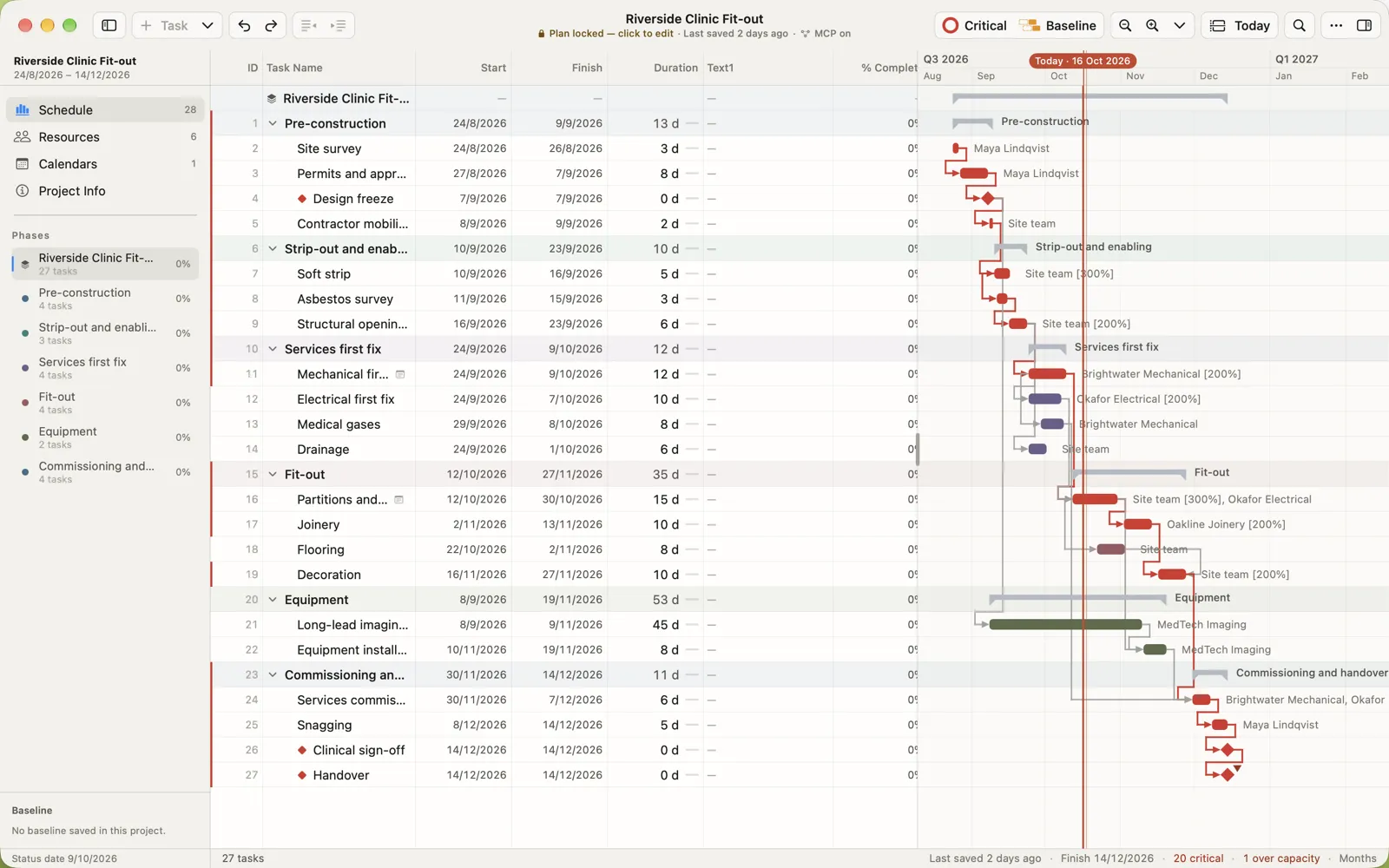
Most people who receive .mpp files need to open the schedule, change dates, record progress and send it back. Booting Windows for that costs three licences and a lot of battery, and none of it works on an iPad on site. MPP Studio does those jobs natively and saves the same .mpp file.
Switching from Parallels + Microsoft Project
Nothing to convert: open the same .mpp files in MPP Studio. Keep the Windows virtual machine for the occasional job only Project can do.
Questions people ask
Can Microsoft Project run on Apple silicon Macs?
Only inside Windows, for example Windows 11 in Parallels Desktop, with separate Windows and Project licences.
Do I still need Parallels if I use MPP Studio?
Only for features MPP Studio doesn’t have, such as Project Server or VBA macros.
Try it with your own file
Open a programme you already have and see it exactly as Project saved it.
Related
Microsoft and Microsoft Project are trademarks of Microsoft Corporation. MPP Studio is not affiliated with Microsoft. Other product names are trademarks of their owners. Competitor details are taken from their own websites and App Store listings in October 2026; check with the vendor for current prices.